trentclaw Quickstart: Audit Your OpenClaw Setup in 2 Minutes


ClawHub checks every skill before you install it. It runs each one through VirusTotal, including Code Insight, an AI model that reads a skill’s instructions and scripts, and each skill page now shows a security audit verdict. That catches malware and obvious manipulation. It does not tell you what a skill can do with your credentials once it runs in your setup, or how it combines with your other skills and your config. If you’re running OpenClaw with skills you didn’t write, your setup as a whole still needs its own audit.
trentclaw is a skill that audits it: your OpenClaw configuration, your installed and public ClawHub skills, your permissions, and your custom code.
Here’s the full setup, start to first finding.
Prerequisites
- A running OpenClaw instance you can access
- The
openclawCLI on the machine where OpenClaw runs - A Trent account
Step 1: Generate an API key
Log in to Trent and open the OpenClaw API Key page. Click Generate API Key.

⚠️ The key is shown once. Put it in your password manager before you close the tab.
Keys expire after 30 days
When yours does, click Renew on the same page. Click the API key and type it to confirm ownership, then scroll to Extend by and choose a duration between 7 and 90 days. Click Extend key.

Step 2: Install the skill
openclaw skills install @trent-ai-release/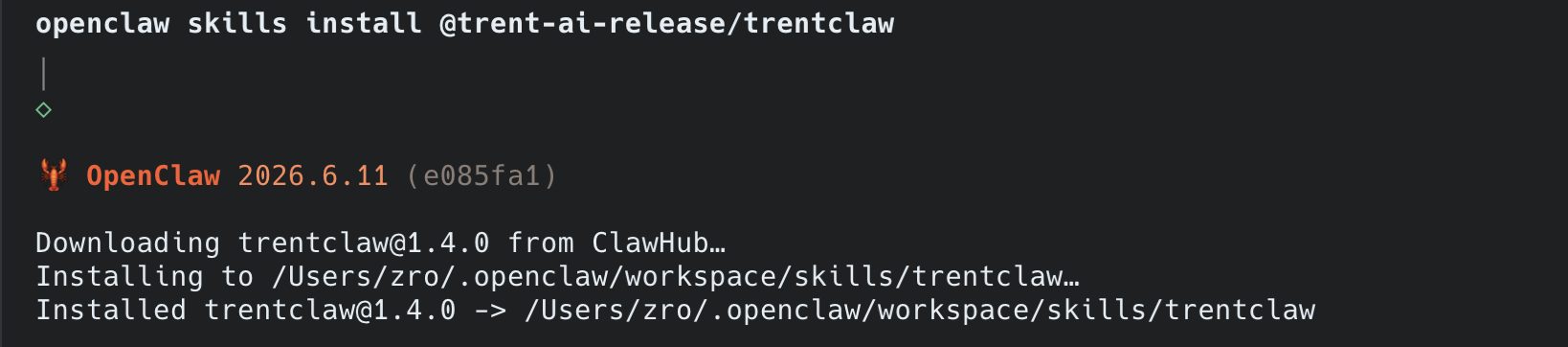
Step 3: Connect the key
openclaw config set skills.Then restart the gateway so the skill picks up the key:
openclaw gateway restart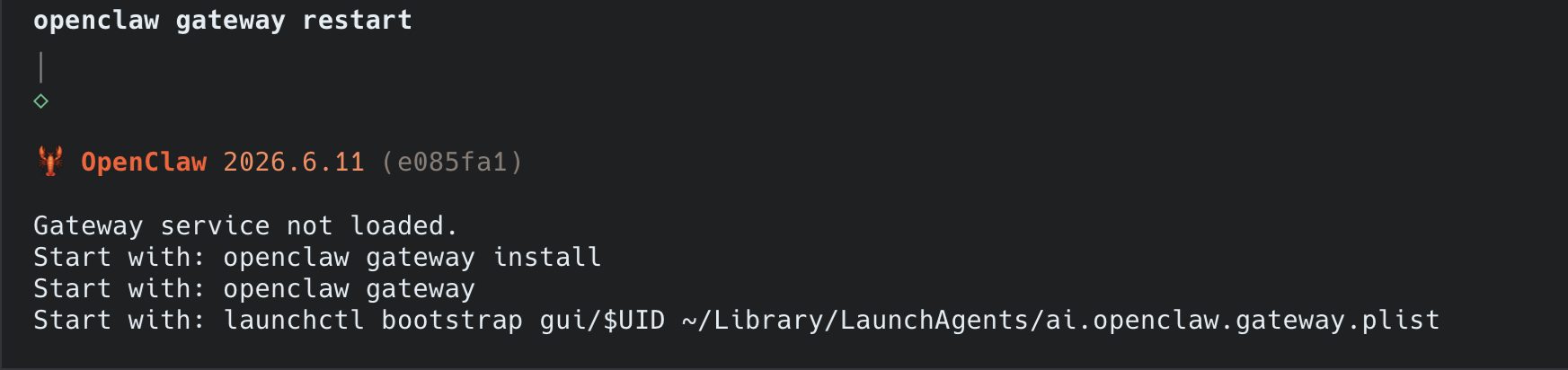
Step 4: Run your first audit
Start a new agent session and ask:
Audit my OpenClaw setup for security risks using trentThe audit runs in three phases: a configuration audit first, then a skill-packaging preview that shows you the exact file list and waits for your OK before anything is uploaded, then a deep analysis of the uploaded skills to surface issues that chain across components.
On privacy: secrets (API keys, tokens, passwords, connection strings) are redacted locally before anything leaves your machine, and you approve the upload file list yourself. Env files, private keys, certificates, and SSH keys are excluded from upload entirely.
Digging into the results
Findings surface directly inside OpenClaw, in the session you’re already working in. Once the audit has run, ask follow-ups:
What security vulnerabilities has Trent found in my configuration?Show me the critical findings from the Trent security assessmentFindings are conversational, so treat it like a security engineer sitting in your agent: ask why something is flagged, what to change, and what to check next.
Re-run the audit whenever you add a skill or change permissions. Your setup keeps moving, so the audit is not a one-time gate.
Troubleshooting
401 Unauthorized. Your key likely expired. Keys last 30 days. Regenerate it on the OpenClaw API Key page (or click Renew before it lapses), then re-run the openclaw config set command from Step 3 and restart the gateway.
Lost the key. There’s no way to view it again, it’s shown once at generation. Generate a new one and please save it according to your process.
Skill not showing. Start a new agent session, skills load at session start, so an already-running session won’t see a fresh install.
More
trentclaw is open source. The skill lives at clawhub.ai/trent-ai-release/trentclaw and the code at github.com/trnt-ai/trent-openclaw-security-assessment.
For the full registry picture, see our spring 2026 teardown of all 52,652 ClawHub packages.