Trent Supports Organization Workspaces With Role-Based Access Control

The Trent AI Security Engineer now supports Organization Workspaces, giving security, engineering, and product stakeholders one shared view of your security posture instead of separate individual accounts. Here’s how it works.
Organization Workspace View

Creation of a Workspace
An admin creates the Workspace, invites the team by email, assigns roles, and connects a data source (e.g., GitHub). Any member can then run an analysis on a connected data source or open one a teammate has already run.
Roles
Organization Workspaces use role-based access control (RBAC), with Admin and Member roles in this release.
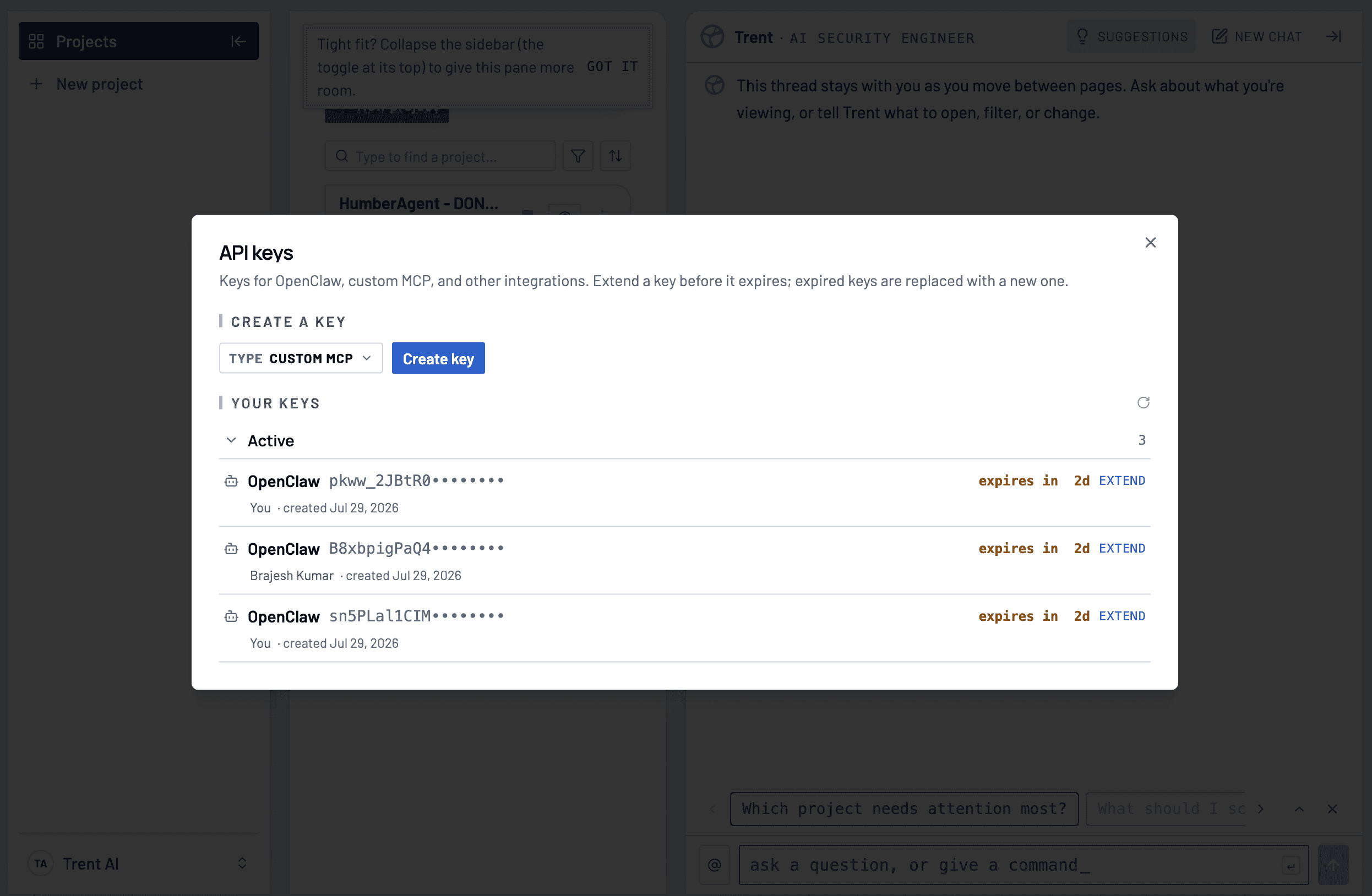
Admins manage members and role assignments, create GitHub App connections, and can view and revoke any member’s API keys. Members can work across all projects: running analyses, reviewing findings, and planning remediation.
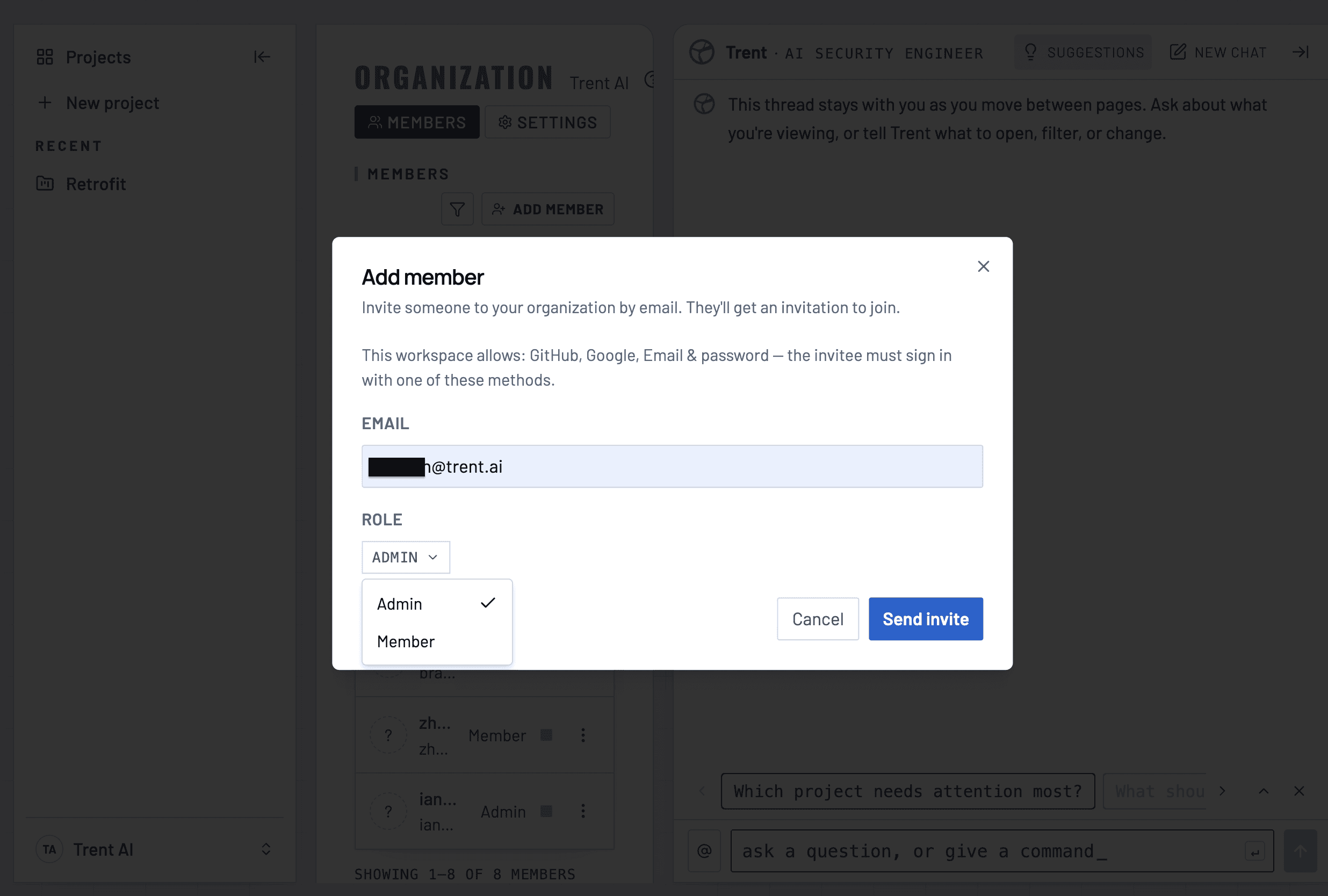
Inviting a team member
Admin view for API keys in workspace
Availability
Organization Workspaces are available to enterprise customers on request. To get started, contact us.