
Threat Modeling for Developers: A 15-Minute Pre-Launch Security Check
You Can Ship within a Weekend. But Here’s How to Ship Securely.



If you’re an AI-native developer building with Lovable, Cursor, or Bolt, you can go from idea to deployed app over a weekend. That speed is real, and it changes who gets to build software. But speed creates a new responsibility: the architecture decisions that used to happen over weeks of planning now happen in minutes, often without you noticing.
Veracode tested 100+ LLMs on 80 coding tasks for their 2025 report. Forty-five percent of the generated code had security flaws. That’s not an indictment of any tool. It’s the state of code generation as a category. The tools are getting better fast: Lovable now ships with Security Checker 2.0 and SOC 2 certification, Bolt runs automatic vulnerability scans on publish, Supabase defaults Row Level Security to on. But security architecture (who can access what, which data is sensitive, where trust boundaries sit), still depends on context that lives in your head, not in the prompt.
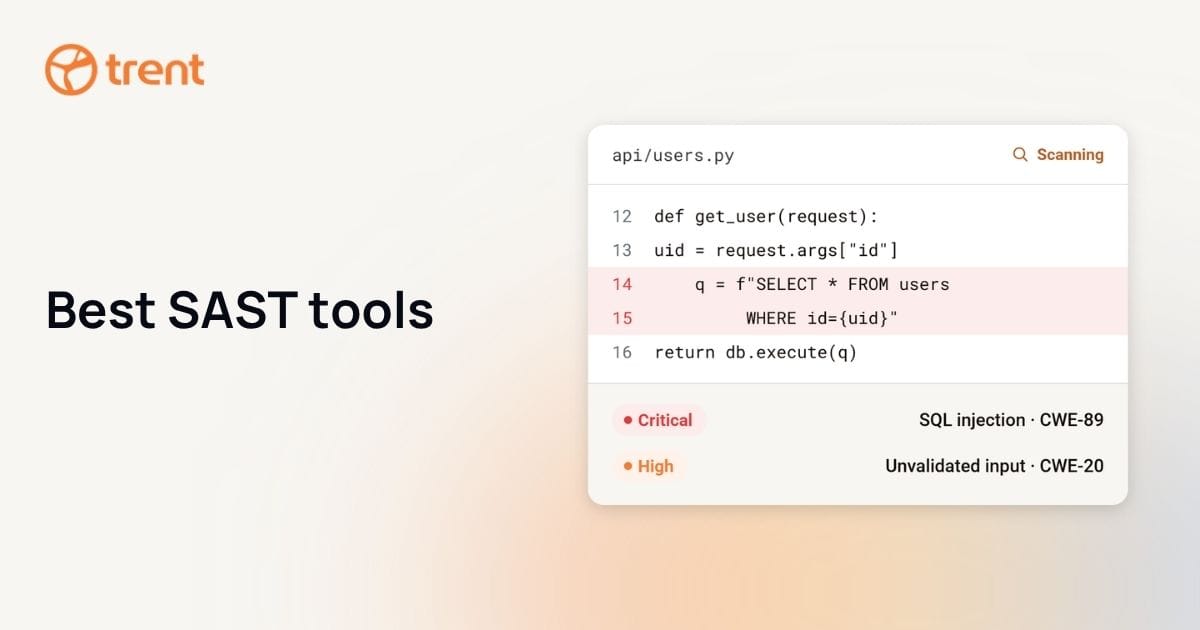
The gap isn’t code quality. Scanners catch coding bugs like XSS and SQL injections. But, they miss design bugs: missing access controls, overly permissive APIs, unprotected trust boundaries. Threat modeling catches design bugs. It’s why building security into the development process from day one matters more than bolting it on at the end.
A documented threat model shows you understand your system’s risks. Most institutional investors now evaluate security posture during due diligence. The good news is you can catch the worst design flaws in 15 minutes.
What Is Threat Modeling (Actually)?
Threat modeling is a structured process for identifying design-level security risks in your software before they reach production. For developers, it comes down to four questions:
- what does the system look like,
- what could go wrong,
- what should we do about it,
- and did we cover enough.
For an MVP, this can take as little as 15 minutes with a simplified checklist approach.
These four questions are Adam Shostack’s framework, the standard used by Microsoft, Google, and every major security team.
“What does the system look like” means drawing your app as boxes and arrows: frontend, backend, database, APIs, third-party services. If you use Supabase, Stripe, and an LLM API, those are your boxes. The connections between them are your arrows. That’s your architecture.
“What could go wrong” means looking at each connection and asking: could someone intercept this? Could someone pretend to be someone else? Could data leak to the wrong person? Could this service be overwhelmed? These aren’t hypothetical scenarios. These are the exact attack patterns security engineers look for every day.
“What should we do about it” means picking the highest-risk threats and deciding how to address them: add authentication, encrypt the connection, restrict permissions, add rate limiting. You don’t need to fix everything. You need to fix the things that would hurt most.
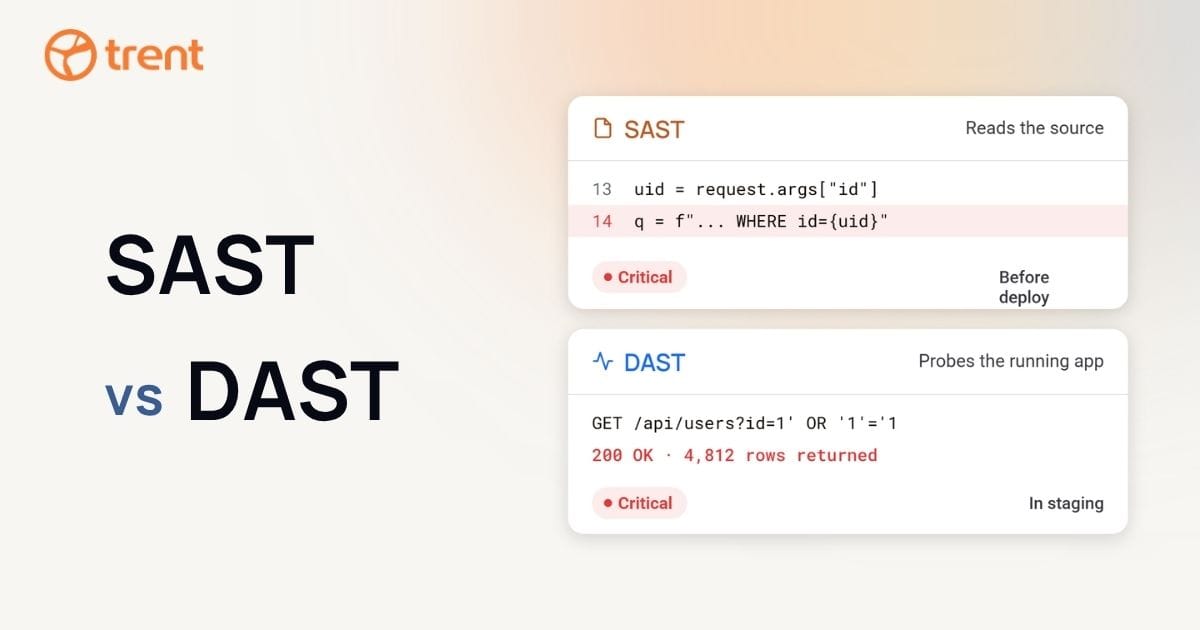
Here’s the difference between a security scan and a threat model. A scan checks whether known bugs exist in your code. A threat model checks whether your architecture makes sense from a security perspective. They both matter, and they catch different problems. You can start a threat model on a whiteboard or a napkin. No special tools are required. That’s what makes it one of the most effective ways to teach developers to think about security; it’s a structured conversation, not a specialized skill.
Nobody on your team owns security?
Trent gives you a security engineer to talk to, one that already knows your code and architecture.
Request accessThe 15-Minute Pre-Launch Threat Model
Here’s a minimal threat model in five steps: draw your architecture as boxes and arrows, mark where trust boundaries exist between components, ask STRIDE questions at each boundary, pick the three highest-risk threats, and document one mitigation for each. This takes about 15 minutes and catches the worst design-level flaws. For AI-native development teams, it’s the fastest way to close the gap between prototype and production.
Here’s your checklist:
- Draw your architecture
- Mark trust boundaries
- Ask STRIDE questions at each boundary
- Pick the top 3 threats
- Write one mitigation for each
Step 1: Draw your architecture. List every component and draw how they connect. For a typical Lovable or Cursor app, that looks like: React frontend → Node API → Supabase database, calling Stripe for payments and OpenAI for AI features. Don’t forget the user. They’re a box too.
Step 2: Mark trust boundaries. A trust boundary is where data moves between things you control and things you don’t, or between different privilege levels. Your user’s browser talking to your API crosses a trust boundary. Your API talking to Supabase crosses another. Most security problems happen at these crossings.
Step 3: Ask STRIDE questions at each boundary. STRIDE is a threat classification system with six categories: Spoofing (someone pretending to be a user), Tampering (modifying data in transit or at rest), Repudiation (denying an action occurred), Information Disclosure (exposing data to unauthorized parties), Denial of Service (making the system unavailable), and Elevation of Privilege (gaining unauthorized access levels).
At each trust boundary on your diagram, ask: Can someone pretend to be another user here? Can someone change data flow through this connection? Could someone do something and deny it, and you’d have no way to prove it? Could data leak to the wrong person? Could this service be overwhelmed? Could someone access things they shouldn’t?
Step 4: Pick the top 3 threats. You’ll find more threats than you can fix before launching. That’s normal. Prioritize by asking three questions: What would hurt my users the most? What would be easiest for an attacker to exploit? What would I be most embarrassed about if it happened? Pick three. Just three.
Step 5: Write one mitigation for each. For each of your three top threats, write one specific action. “Add row-level security to the users table.” “Require authentication for the /api/admin endpoint.” “Add rate limiting to the signup flow.” Specific actions, not vague goals. Not “improve security.” Rather: “add RLS to the users table.”
This 15-minute process won’t catch everything. But the design flaws that matter most? Those it finds.
The Security Gap Between Prompt and Production
When you describe your app to any AI code generator, you describe features. “Build me a dashboard with user auth and Stripe payments.” What’s missing from that prompt is everything a security architect would ask: Who are your users? What data is sensitive? What happens if one user accesses another’s records? What compliance frameworks apply?
That’s not a flaw in the tool. It’s the nature of prompting. You’re telling the tool what to build, not what to protect against. When you prompt “build me a user authentication system,” you’ll get functional login and logout. What you won’t get: rate limiting on login attempts, account lockout policies, session timeout matched to your risk profile, or audit logging. Those are architecture decisions that depend on context only you have.
What AI Code Generators Don’t Design for You
That 45% flaw rate from Veracode’s report isn’t improving. It’s up from 36% the year before, despite rapid improvements in the tools themselves. The question of whether we can trust AI to secure our code comes down to this: the tools build what you ask for. Security architecture is what you need to add.
Row Level Security is a good example. Before Supabase changed their defaults in 2025, apps routinely shipped with RLS disabled, not because the code was wrong, but because RLS is a design decision tied to your data model. The tools have gotten smarter about defaults. Supabase now enables RLS automatically; Bolt runs database security audits. But your specific access control model still needs your input; no default covers every app.
Threat modeling fills that gap. You bring the context: data sensitivity, user roles, and regulatory requirements. Find an architecture flaw after launch and you’re looking at a redesign, 10-100x more expensive than catching it in design. Fifteen minutes before launch saves weeks after.
When You Need More Than 15 Minutes
A 15-minute threat model is appropriate for MVPs and early AI-native applications. If you’re handling payment data, health records, or PII, or if your app has multiple user roles and admin functions, you need a full threat model before going to production.
Three signals that you need to go deeper:
- You’re handling regulated data: PCI for payment processing, HIPAA for health records, GDPR for personal data of EU residents. These come with specific compliance requirements that a 15-minute model doesn’t cover.
- Your app is multi-tenant, where one user’s data has to stay completely separate from another’s. That takes careful trust boundary analysis. Default database configurations without row-level security are exactly this kind of gap.
- The app integrates with more than five external services or APIs. Complexity compounds risk. Each integration adds trust boundaries that need analysis.
If your app includes AI agents or autonomous workflows, you’ll also want to understand what is agentic AI security, since those systems break the assumptions traditional security was built on.
A full threat model follows the same four questions but goes deeper; you draw formal architecture diagrams, analyze threats at every boundary, score the risks, and track your fixes.
Trent AI runs as a continuous security loop in your workflow. Multiple agents scan your architecture, judge which threats matter, suggest the fixes, and track how your posture trends over time. You’re not redoing the analysis every time you ship and each session leaves your project more secure than the last.
Working with Claude Code? Lovable or OpenClaw? We meet you where you build. Request access →
Reviewed by Eno Thereska, Co-founder & CEO at Trent AI
The security engineer you have not hired
Trent works like a senior security engineer on your team, starting from your code.
1
Understand
Maps your architecture, agents and data flows from your code.
2
Plan
Turns risks into security requirements you can review.
3
Secure
Finds what breaks them and gives you fix prompts.
Frequently Asked Questions
What is threat modeling in software development?
Threat modeling finds security risks in your software design before you write the code that creates them. You map your architecture, find out where attacks could happen, and fix the highest-risk issues first. It catches the design-level flaws that scanners miss. Our comprehensive guide to threat modeling covers six methodologies, compliance mapping, and continuous threat modeling in depth.
How long does a threat model take?
A simplified threat model for an MVP takes about 15 minutes using the five-step checklist above: draw your architecture, mark trust boundaries, ask STRIDE questions, pick your top three threats, and write one mitigation for each. A full threat model for a production system with regulated data, multiple user roles, or complex integrations takes longer. A few hours for the initial pass is typical.
Do I need a threat model for an MVP?
Yes. MVPs are especially vulnerable because they’re built fast and often skip security architecture. A 15-minute threat model catches the design flaws that matter most: an admin endpoint with no auth, a database table anyone can read, an API key sitting in client-side code. These are the issues that turn a successful launch into a breach.
What’s the difference between a threat model and a security scan?
A security scan checks your code for known vulnerabilities: SQL injection, XSS, outdated dependencies. A threat model checks whether your architecture makes sense from a security perspective: who can access what, where trust boundaries are, what happens when they break. Scans find coding bugs. Threat models find design bugs. You need both.
Start with the 15-minute version. You can always go deeper later. But you can’t go back and un-launch an insecure app.